ServeFireUI Preview
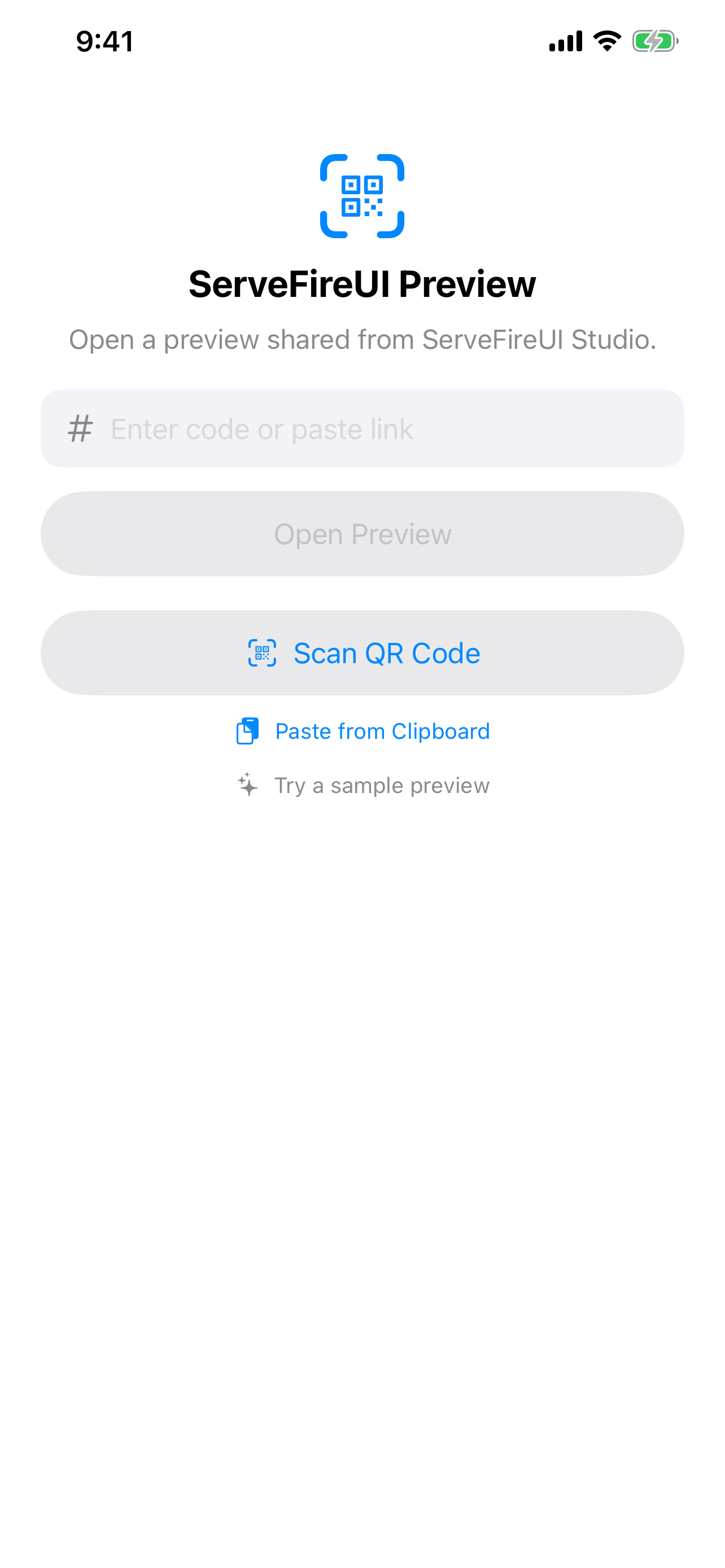
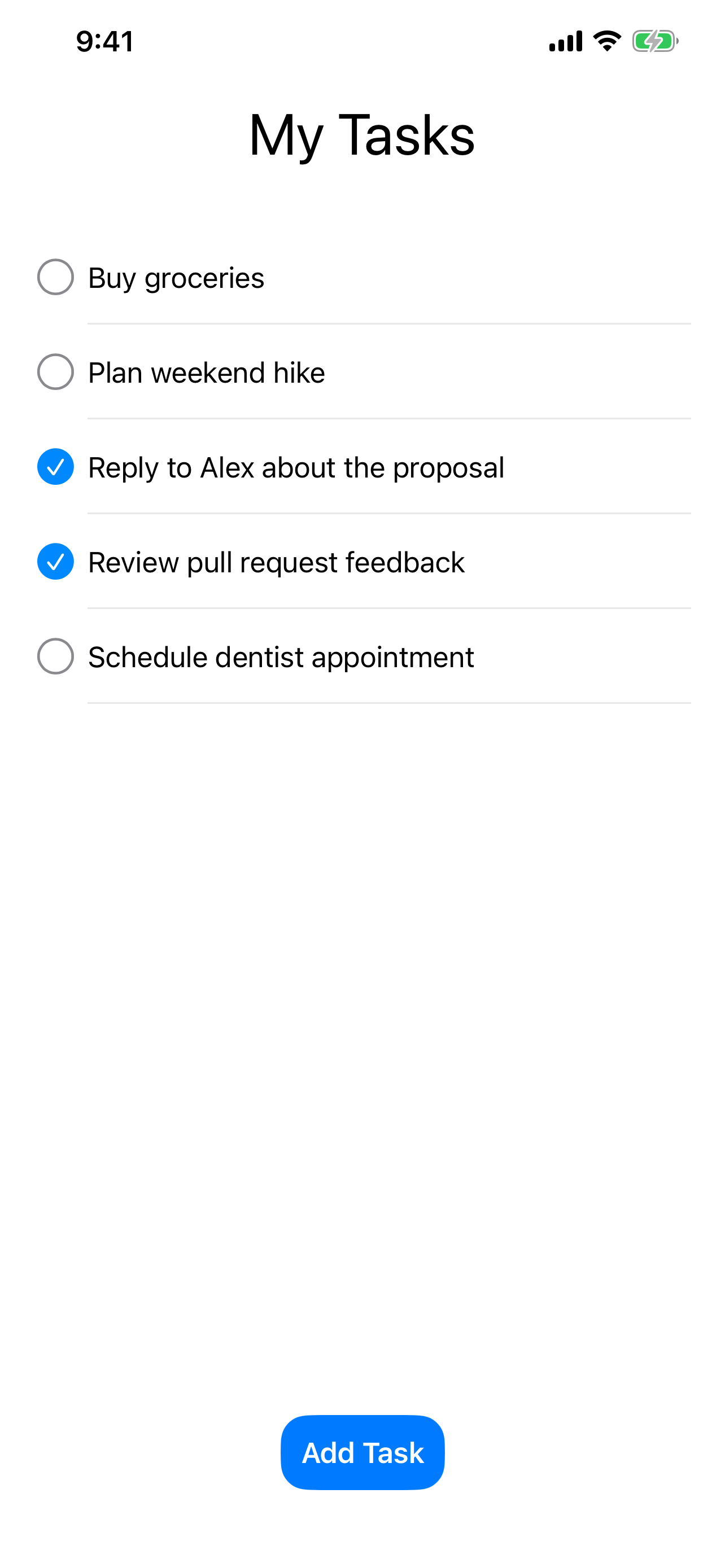
Build a screen layout in ServeFireUI Studio for Mac, share it as a link, and open it on iPhone — the design runs natively, before you build a full app.
Already installed? Re-tap your preview link from messages.
Built in ServeFireUI Studio for Mac
Compose screens with a tree, palette, inspector, and live sim canvas. When you're ready to try it on device, share it — every viewer gets a private, temporary copy of the data.
Opens natively on iPhone
Real SwiftUI controls, real keyboard, real navigation. Each viewer gets their own private sandbox, so the data you enter only lives in your copy of the preview and never collides with anyone else's.

How it works
- A designer builds a screen layout in ServeFireUI Studio (macOS) and shares it as a link or QR code.
- You open it on iPhone — the design renders natively with real SwiftUI controls, the iOS keyboard, and full navigation.
- Tap through, enter data, see how it feels on device. Each viewer gets a private, temporary sandbox.
- Previews are link-only and anonymous; they expire automatically.